
R&D Budget Management Platform
2018|Type: Platform Product|Tag: Design System|Role: UX Design
What’s R&D Budget Management Platform?
Designing an R&D budget management platform based on the OA system to digitalize the whole process of R&D budget reservation and approval, which includes budget planning, budget rolling, and budget analysis. In the first stage, we focused on budget planning.
PROBLEM-SOLVING
Question & Solution
Through communication with the product manager, we learned that situation as follows:

The Prototype Provided by the Product Manager
- Unreasonable IA: Confuse IA with enterprise organization.
Unorganized user task: Overloaded information within bewildering behaviors.
Unexpandable Layout: The layout couldn’t support new features at the very beginning.
The design challenge mainly focuses on two issues:
- How might we solve appropriate IA issues?
- How might we solve task priority issues?
How might we solve appropriate IA issues?
In the demo, both top navigation and drawer navigation didn’t present IA in an accessible way, which has strong limitations for new features. At the same time, at this stage, due to the lack of content in the rest of the system, the different roles accessing the system are very limited in the functionality they can use: one for the user flow of submitting the form, and one for the approval processes. For this reason, the information architecture and the layout of the interface must take into account both the expandability and the hierarchy of the site.
Design needs to meet scalability, and help our users to know where he is and focus on the current task. We try to verify the framework of DCSM in this platform.
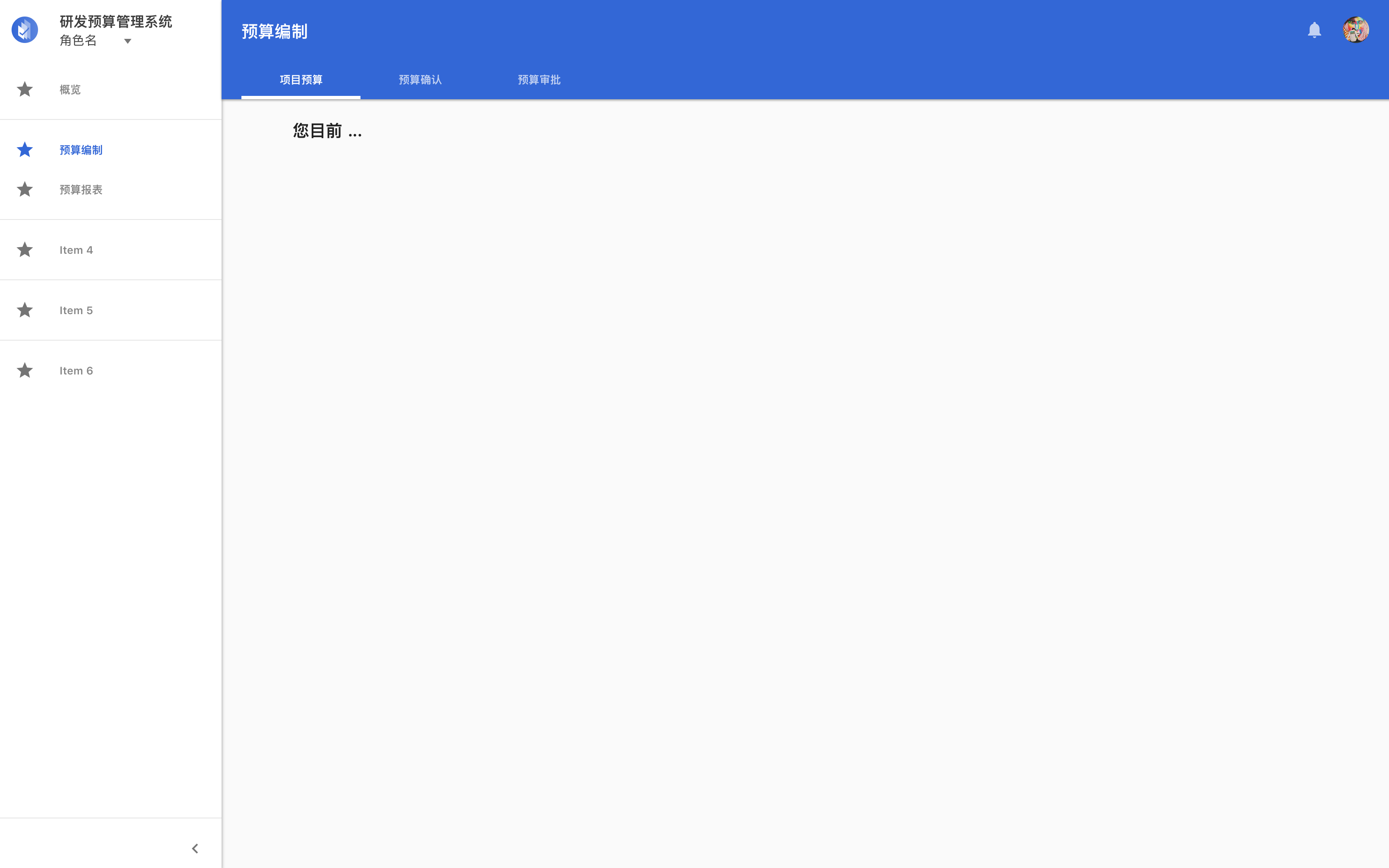
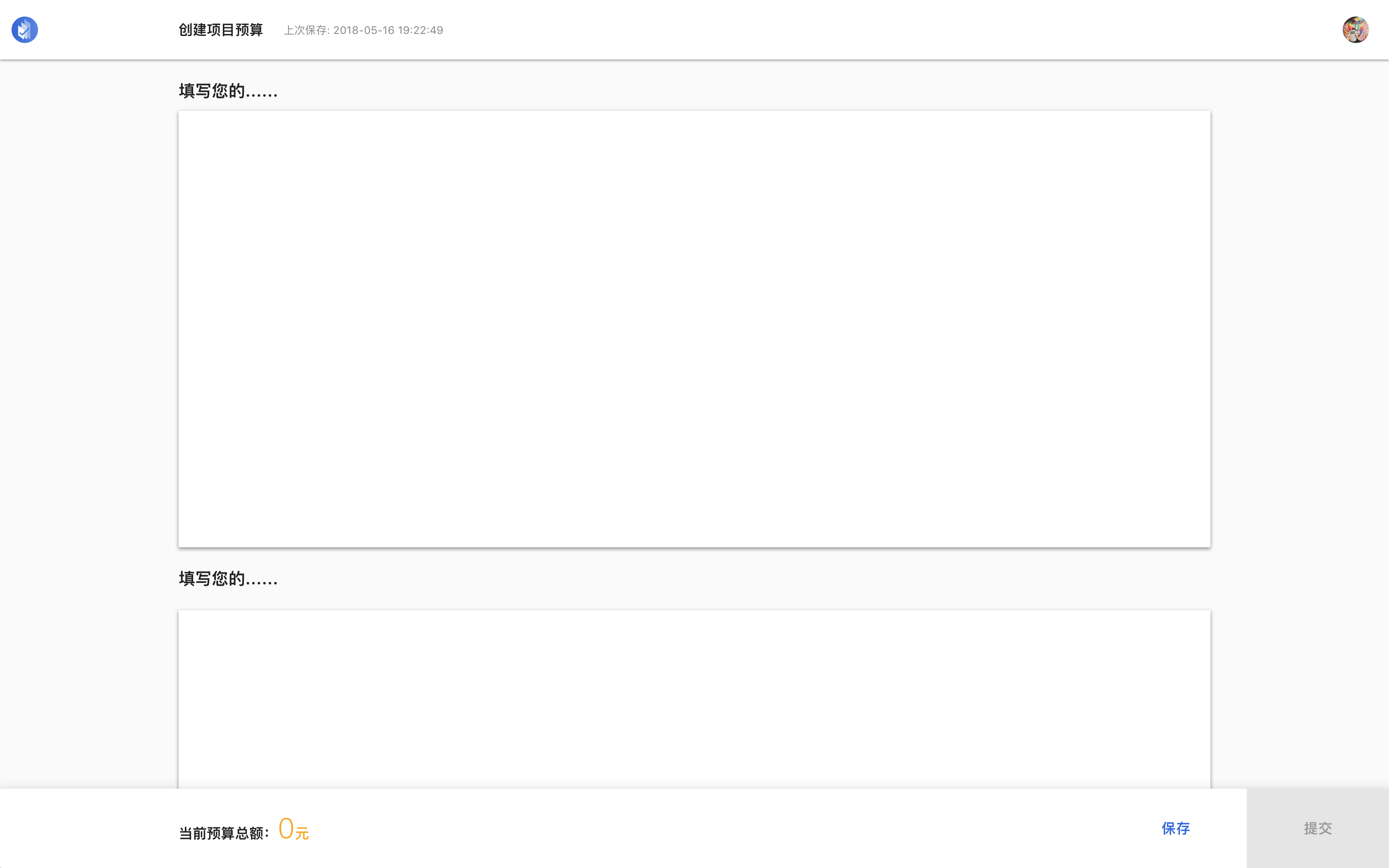
Reuse of the Framework
How might we solve task priority issues?
We’ve encountered four types of problems found in pages:
- A great many buttons, including filled buttons and text buttons at different levels. Having more buttons means it’s easy to lose focus.
- Dispersed steps, such as create action and submit action separate in two different flows, but it’s a continuous behavior of the same user.
- Overloaded information. The overview and details of the data table reduced the usability.
- Similar interface with totally different tasks. It’s easy to get lost when redirecting frequently.
Understanding the demands of using enterprise organizations and figuring out who are the main users is our first step. And then, we sorted out the tasks and clarified the scenario.
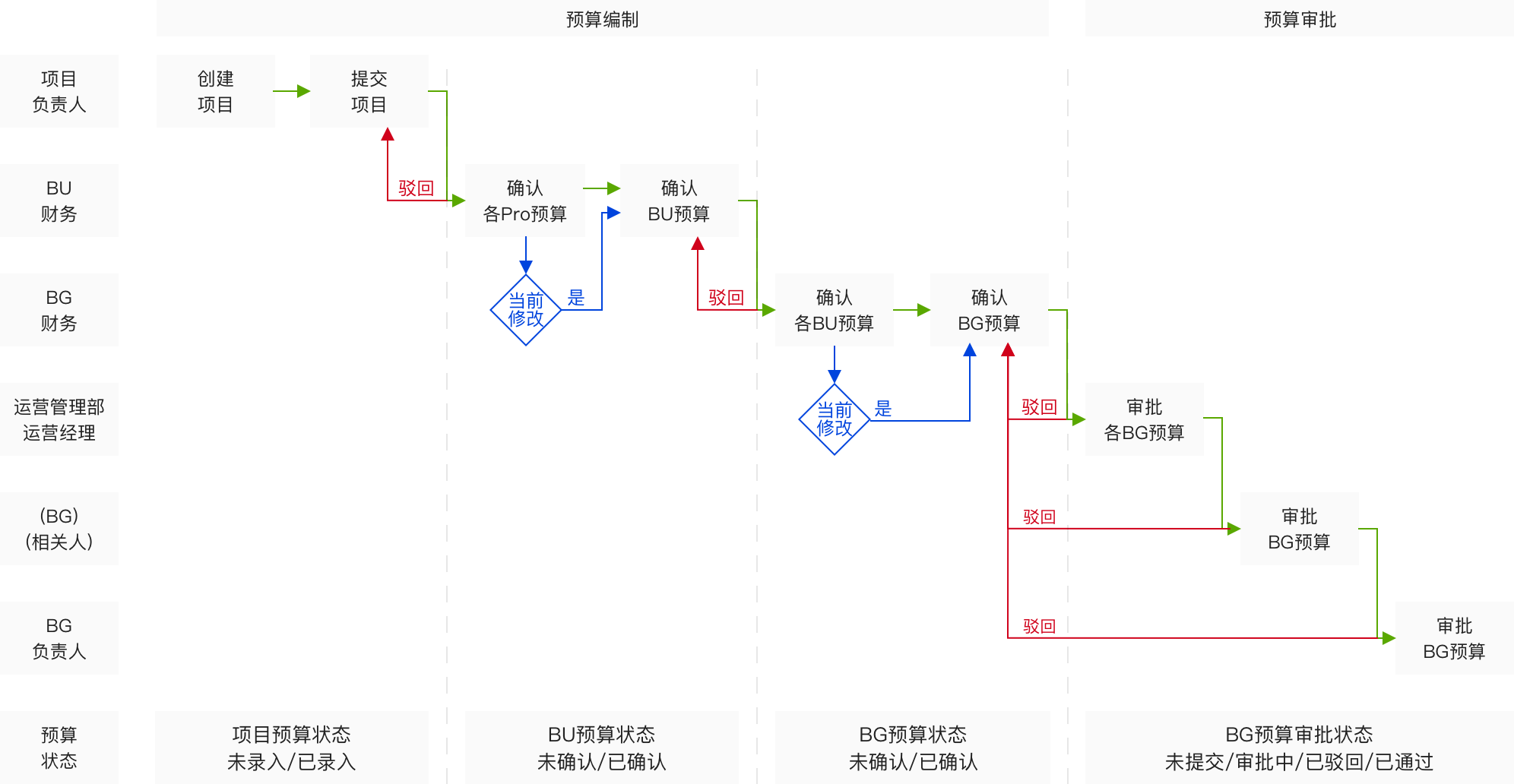
Analysis of Budget Approval Flow
As a mindset, design needs to tell users what to do in a more accessible way to understand the whole process.
- Clarify user tasks at different stages for different users and guide them to complete tasks.
Reduce the priority of slight behavior, focus on the main task; at the same time, shorten the process of budget planning.
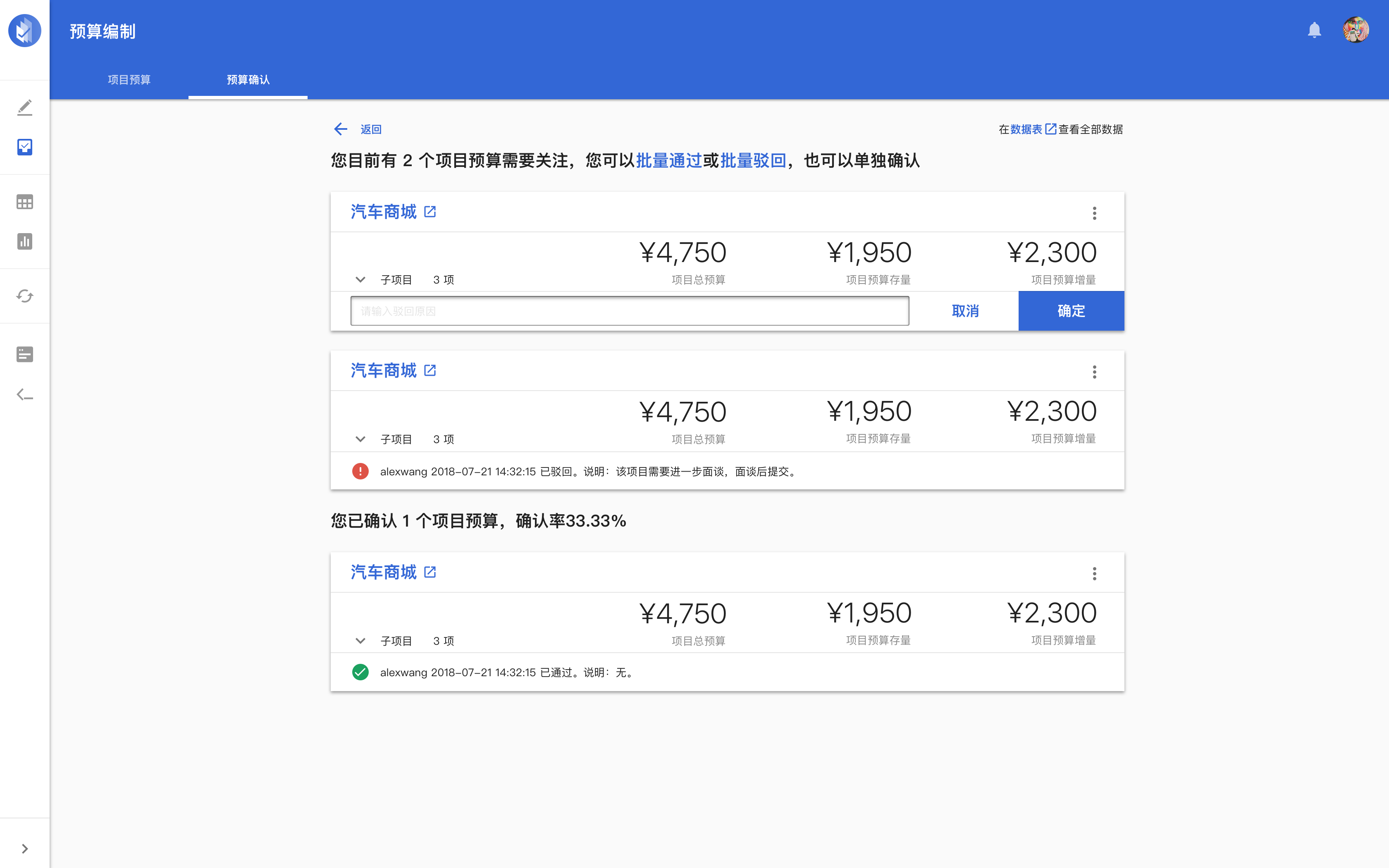
Present overview data in a card-shaped form to help users quickly understand the key. Meanwhile, guide users step by step.
Improve the consistency of the interface through the module.

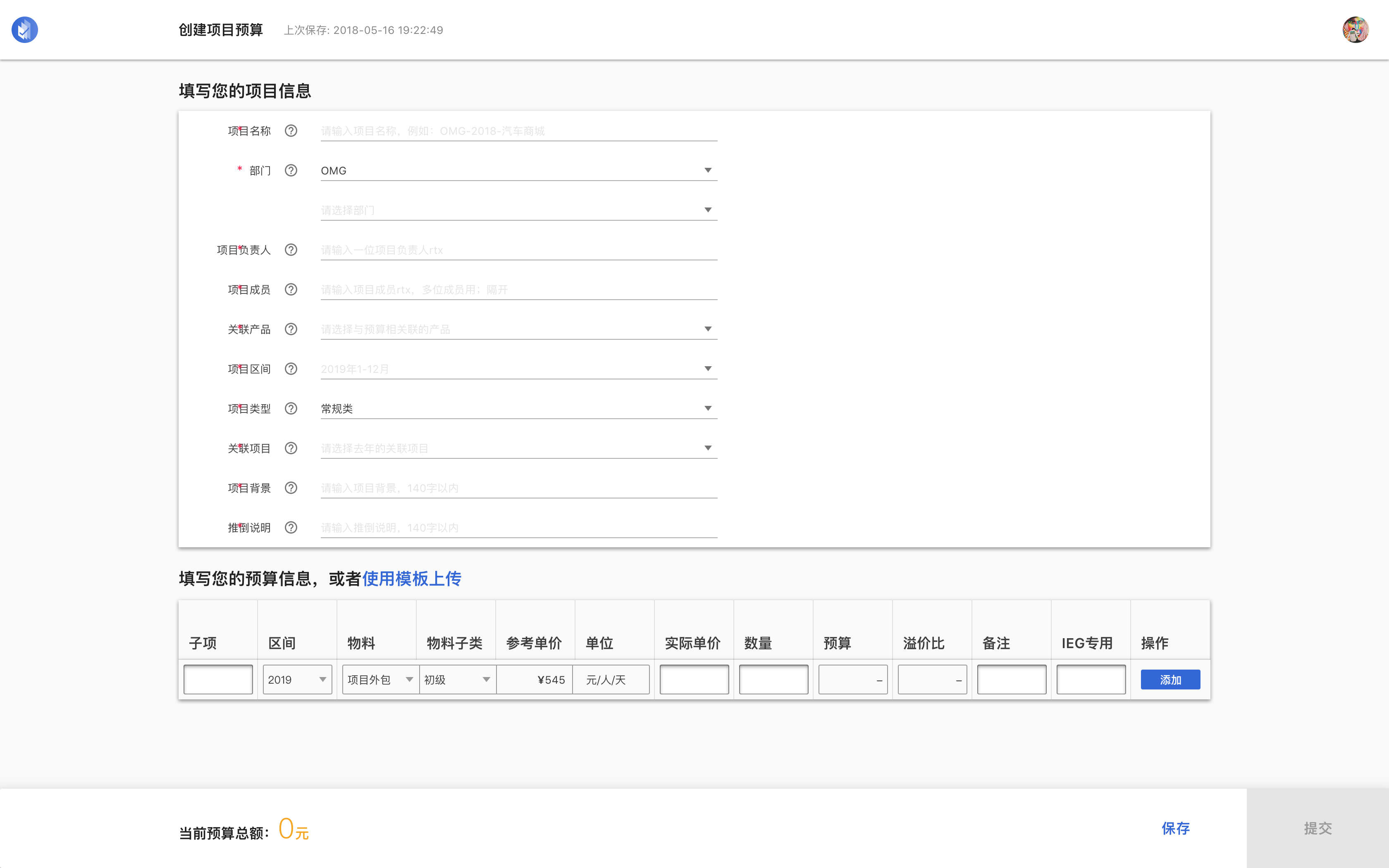
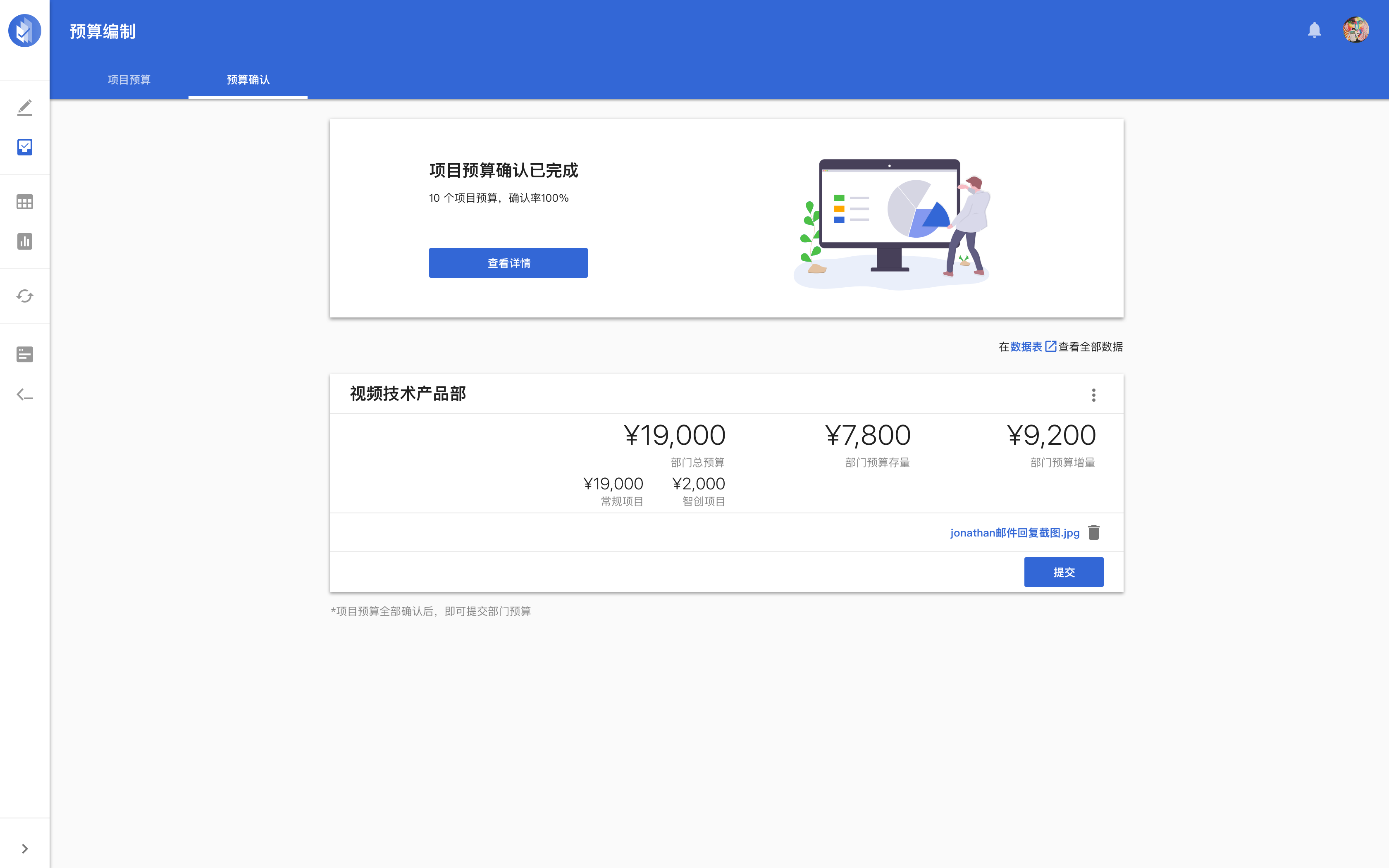
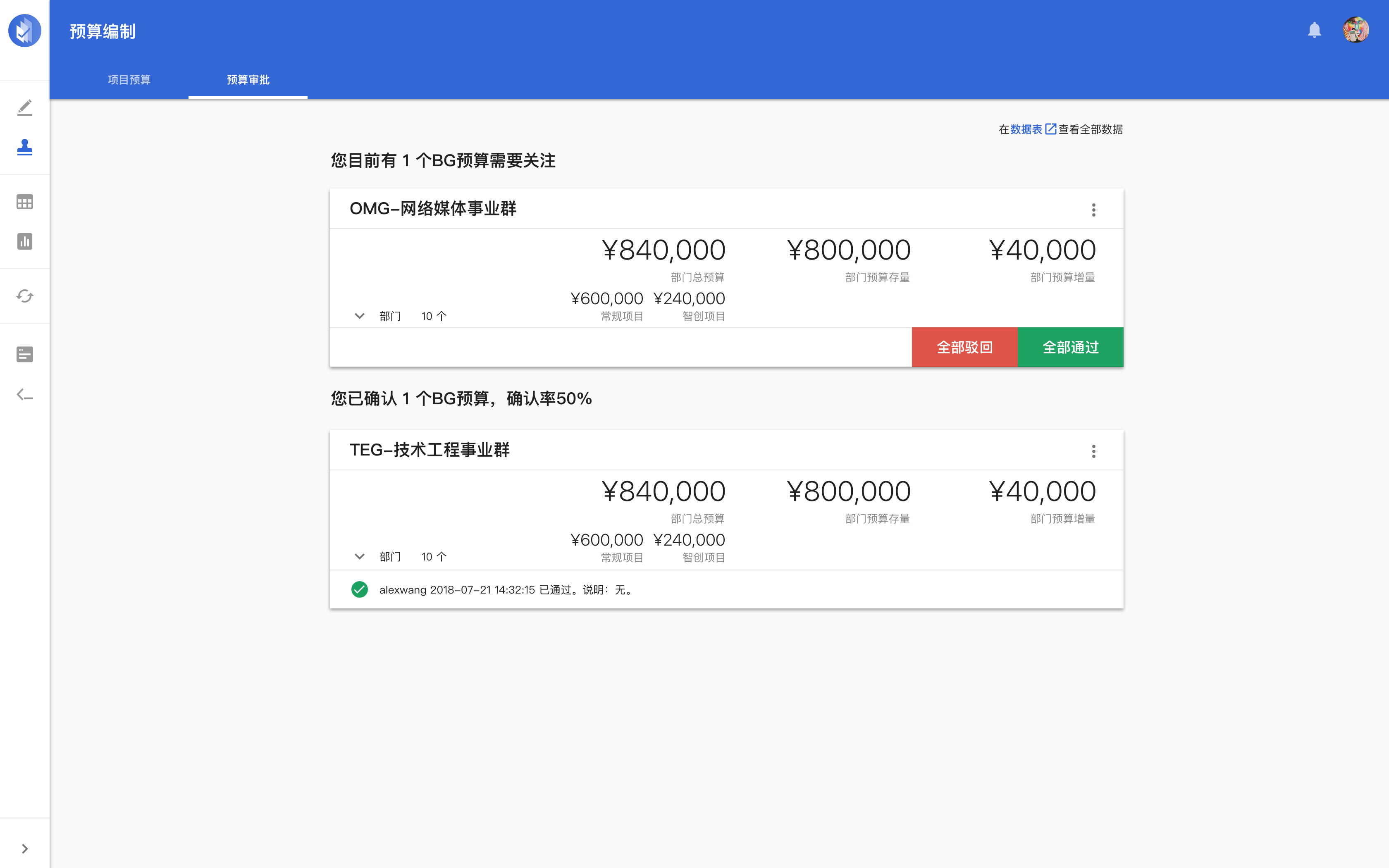
Core Interface
Further thinking in design
During the implementation, in addition to meeting the objectives of the business, the DCSM solution for complex systems is also validated at a large scale. Thinking from framework to flows and contents could help us decouple interfaces.
Framework: App Shell + Content
We followed the design system of DCSM, such as drawer style. And we updated content style into skeleton screen.
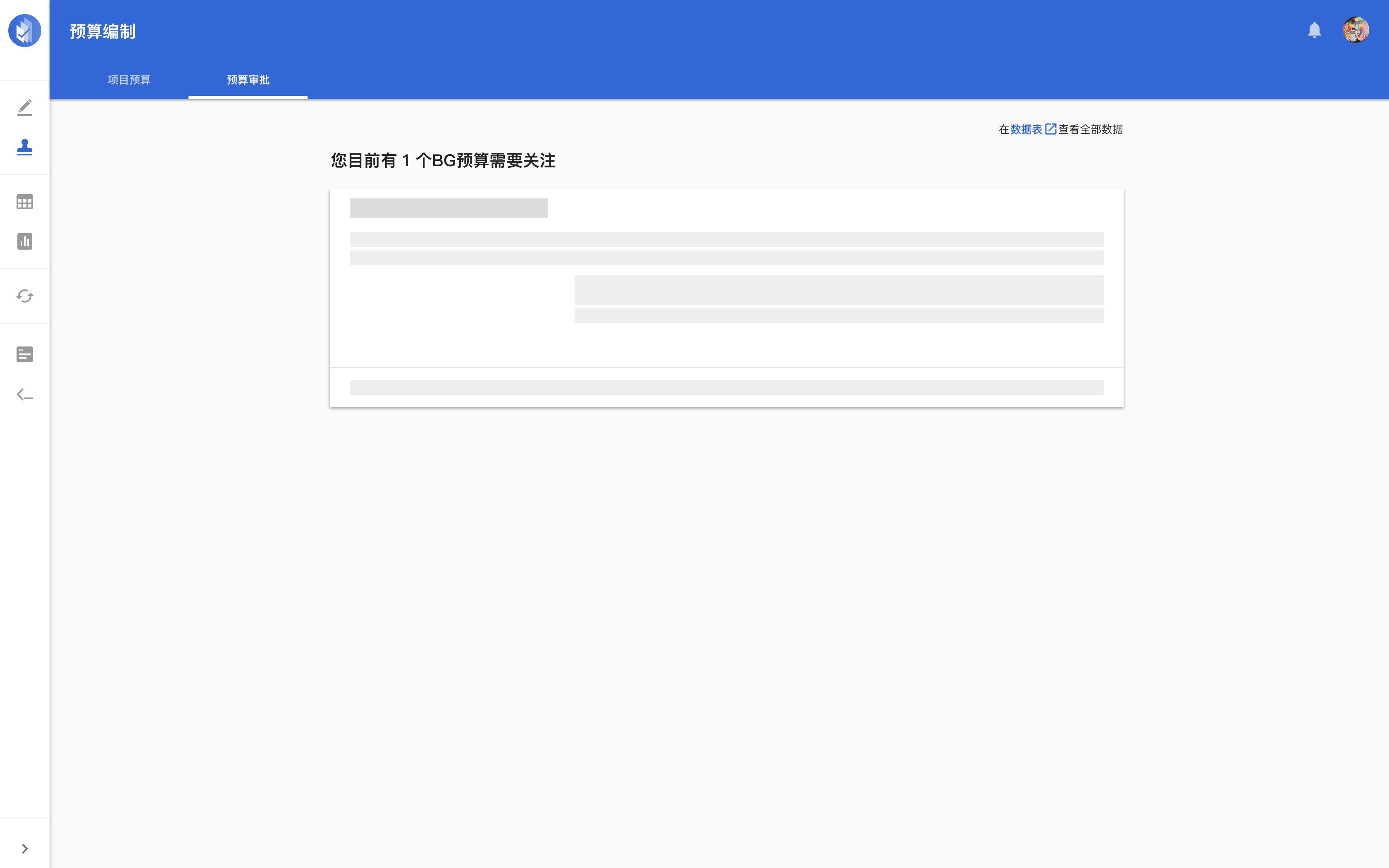

Preloading
Content: Structure and style
We transformed complicated data table into interactive graph visualization, to fulfill progressive disclosure and help user focus on the key information.

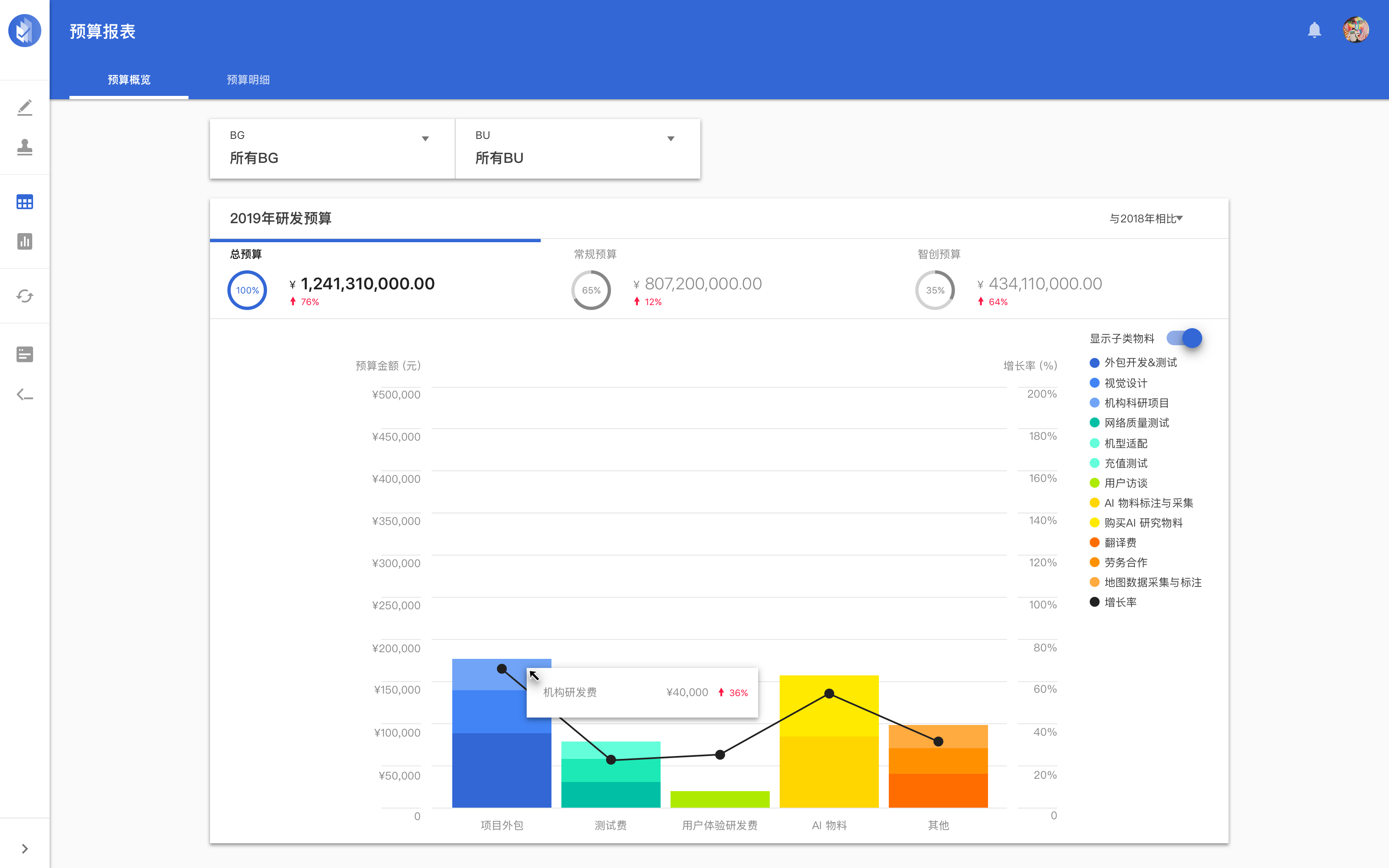
Progressive Rendering
User task: Staged
Leverage the different forms of modals to further help users focus on tasks.


Focusing on Tasks by Using Modal
Communication: Growth
In terms of content editing, style guides will be established based on the objectives of the platform's brand, and the tone and pitch will be provided accordingly. The platform's communication with users will follow this standard.

User Engagement
© 2024 Xiang PENG. All Rights Reserved.